
-
May 19, 2025
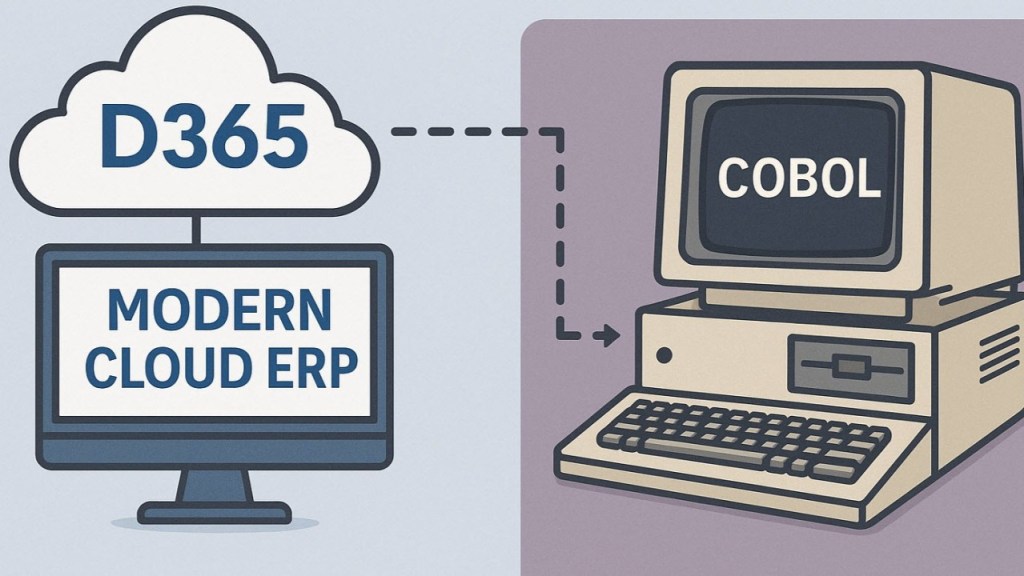
Are you ready to integrate your modern cloud ERP with a system from 60 years ago? Then this is the article for you. I recently worked on a bank integration which needed COBOL files (IBM037 / EBCDIC). I am sharing two pieces of code to help jumpstart your efforts.
There is no “standard” COBOL format. This code includes the record length in big endian format before the data itself. I understand this is somewhat common across multiple banks, but your specific requirement may differ. The first example shows how to take the record string and convert it to this format, see code below.
public static System.Byte[] getEBCDICBytes(str _str, int _line52ImageLength = 0)
    {
        System.Byte[] byteString = System.Text.Encoding::UTF8.GetBytes(_str);
        System.Text.Encoding encoding = System.Text.Encoding::GetEncoding('IBM037');//EBCDIC encoding
        System.Byte[] EBCDIC = System.Text.Encoding::Convert(System.Text.Encoding::ASCII, encoding, byteString);

        System.Byte[] lengthByte;
        if(_line52ImageLength)
        {
            lengthByte = System.BitConverter::GetBytes(EBCDIC.Length + _line52ImageLength);//byte[4] = { 0x50, 0x00, 0x00, 0x00 } (little-endian)
        }
        else
        {
            lengthByte = System.BitConverter::GetBytes(EBCDIC.Length);//byte[4] = { 0x50, 0x00, 0x00, 0x00 } (little-endian)
        }

        System.Array::Reverse(lengthByte);//Reverse bytes to 0x00 0x00 0x00 0x50 (big-endian format)

        return sciCheckDepositIntegration::combineBytes(lengthByte, EBCDIC);
    }
Helper method to combine two byte arrays in x++
 public static System.Byte[] combineBytes(System.Byte[] first, System.Byte[] second)
    {
        System.Byte[] ret = new System.Byte[first.Length + second.Length]();
        System.Buffer::BlockCopy(first, 0, ret, 0, first.Length);
        System.Buffer::BlockCopy(second, 0, ret, first.Length, second.Length);
        return ret;
    }
The second code example is a bit more nuanced. The bank required base64 encoded images within the COBOL file (x9 ICL format). However, base64 encoding is usually UTF8 – not the same encoding used by COBOL. If you take a base64 string and encode it to IBM037, it may not work, depending on the system reading the file. In this case, the bank’s mainframe could not read it, therefore, the file had two encodings intertwined. Most libraries assume a file or string is just one encoding. The below shows how you can create your file with two encodings.
For context, we first saved the file contents in UTF8 in FO for logging/troubleshooting. Once it is in EBCDIC encoding, it isn’t human readable unless you get a special tool to view the files. This code is parsing the text and converting it to the needed encoding before sending it to the bank.
public server static void createFileForCheckDeposit(
        str _contents,
        str _fullFileName)
    {
        #File
        str                 fields;

        List fileLines = strSplit(_contents, '\n');
        ListIterator iter = new ListIterator(fileLines);

        System.Byte[] bytesToWrite;

        while(iter.more())
        {
            str line = iter.value();
            line = strRem(line, '\n');//no line returns in EBCDIC files, they use record descriptor words at the start to indcate length

            //Encode everything except the check image
            if(subStr(line, 1, 2) == '52')
            {
                int checkPosition = strScan(line, imageDelimiter, 1, strLen(line));
                str beforeCheck = subStr(line, 1, checkPosition - 1);
                str check = subStr(line, checkPosition + strLen(imageDelimiter), strLen(line));

                System.Byte[] checkBytes = System.Convert::FromBase64String(check);

                System.Byte[] bytesToAdd = sciCheckDepositIntegration::getEBCDICBytes(beforeCheck, checkBytes.Length);
                bytesToWrite = sciCheckDepositIntegration::combineBytes(bytesToWrite, bytesToAdd);

                bytesToWrite = sciCheckDepositIntegration::combineBytes(bytesToWrite, checkBytes);
            }
            else
            {
                if(bytesToWrite)
                {
                    System.Byte[] bytesToAdd = sciCheckDepositIntegration::getEBCDICBytes(line);
                    bytesToWrite = sciCheckDepositIntegration::combineBytes(bytesToWrite, bytesToAdd);
                }
                else
                {
                    bytesToWrite = sciCheckDepositIntegration::getEBCDICBytes(line);
                }
            }

            iter.next();
        }

        System.IO.BinaryWriter binaryW = new System.IO.BinaryWriter(System.IO.File::OpenWrite(_fullFileName));
        binaryW.Write(bytesToWrite);
        binaryW.Flush();
        binaryW.Close();
    }
 Schiermeyer Consulting, Inc